How I turn one podcast episode into 10 clips
My exact process, step by step, from long recording to ready-to-post Reels.
 Lima MondalShort-form video editor & AI UGC creator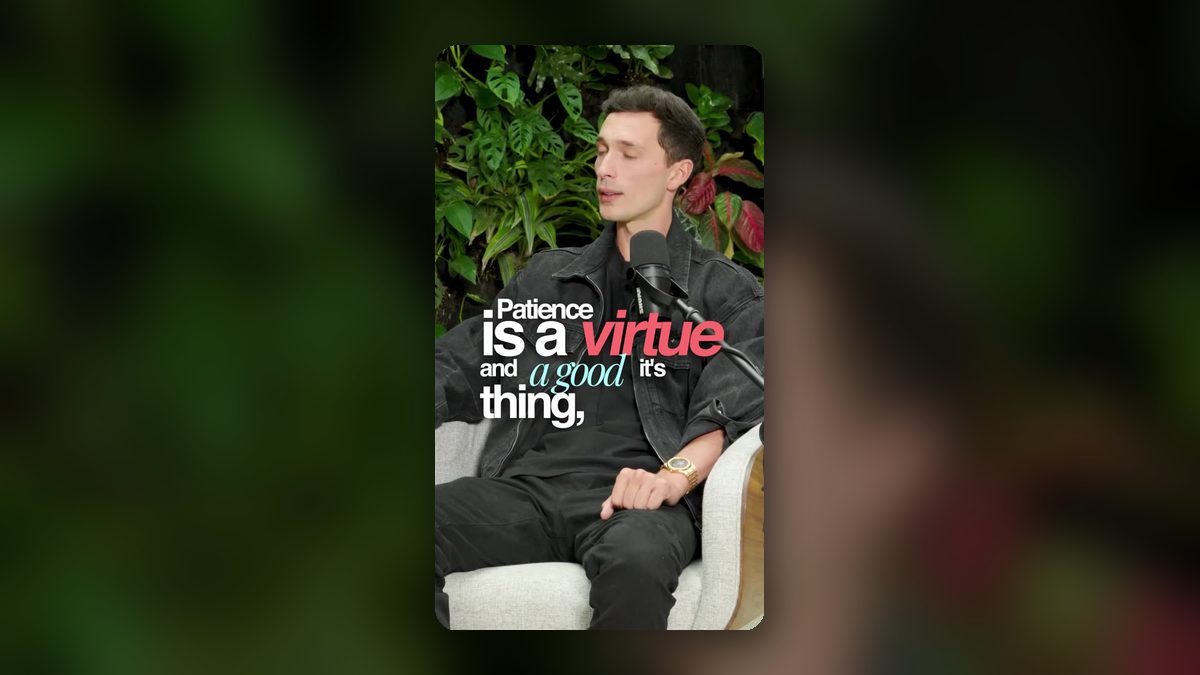
A one-hour podcast episode is full of great moments, but most people will never sit through the whole thing. Short clips are how those moments find new listeners. Here's the process I use to turn one episode into around ten Reels, TikToks and Shorts.
Step 1: Watch with a transcript and mark the moments
I go through the full episode with a transcript open and mark anything that could stand on its own. I'm looking for four kinds of moments:
- A strong opinion or a bold statement
- A short, complete story
- A practical tip people can use today
- An emotional or surprising moment
A typical hour gives me 15 to 20 candidates. I keep the best ten.
Step 2: Make sure every clip makes sense alone
A clip has to work for someone who has never heard of the show. If it needs context from earlier in the episode, it either gets a one-line caption to set it up or it gets dropped. Most clips end up between 20 and 60 seconds.
Step 3: Cut the warm-up and find the hook
People rarely say their best line first. They build up to it. So I often start the clip at the strongest sentence, even if it's in the middle of the answer, and let the explanation follow. That first line becomes the hook.
Step 4: Reframe for vertical
Podcasts are usually filmed wide. I reframe every clip to 9:16 and keep the speaker centered. With two people talking, I cut between them so the person speaking always fills the frame.
Step 5: Captions that people actually read
Captions do two jobs: they make the clip watchable on mute, and they keep the eye busy. I keep them short, a few words at a time, and highlight the key word in each line with color or size.
Step 6: B-roll and zooms to reset attention
A single talking head for 45 seconds gets tiring. Small zoom punch-ins on key lines, a relevant B-roll shot or a simple graphic every few seconds keep people watching without making it feel over-edited.
Step 7: Clean sound, light music
I clean up the audio, balance the levels and add quiet background music when it fits. If the music competes with the voice, it's too loud.
Step 8: End with a clear takeaway
Clips that trail off with "so yeah…" feel unfinished. I end on a clear point, or cut so the ending loops neatly back into the start.
Step 9: Export everything in one batch
I export all the clips together, sized for every platform, and name them so they're easy to schedule. One recording becomes two weeks of content.
If you have a podcast, webinar or interview sitting unused, it's probably your easiest source of new content. I'm happy to take a look at an episode and show you which moments I'd pull.
Want videos like this for your brand?
Book a free 30-minute call. Bring your product or page and I’ll share a few ideas on the call.
Book a call